
Ledger Wallet Is Now Supported on Velora
Feb 25, 2026
Product


You can now swap tokens on Velora using your Ledger hardware wallet, directly inside app.velora.xyz.
No separate Velora app.
No new installation.
Just connect your Ledger and trade with Clear Signing and Transaction Check enabled.
Velora handles execution.
Ledger secures your private keys.
This brings secure, self-custody DeFi trading to Velora’s execution layer — without changing your workflow.
Why Ledger + Velora Matters for Secure DeFi Trading
Hardware wallets are the gold standard for self-custody.
But many DeFi platforms still rely on blind signing or opaque smart contract approvals.
With Ledger connected to Velora:
Transactions are verified on-device through Clear Signing
Ledger displays the exact assets and amounts before you approve
Transaction Check protects against malicious contract interactions
Private keys never leave your hardware wallet
Velora’s Delta execution layer routes and settles swaps onchain.
Ledger ensures you sign only what you verified.
This separation — execution layer + secure signature layer — reduces risk without reducing speed.
How to Swap Tokens with Ledger on Velora
Everything happens inside the Velora web app.
1. Connect Your Ledger Wallet
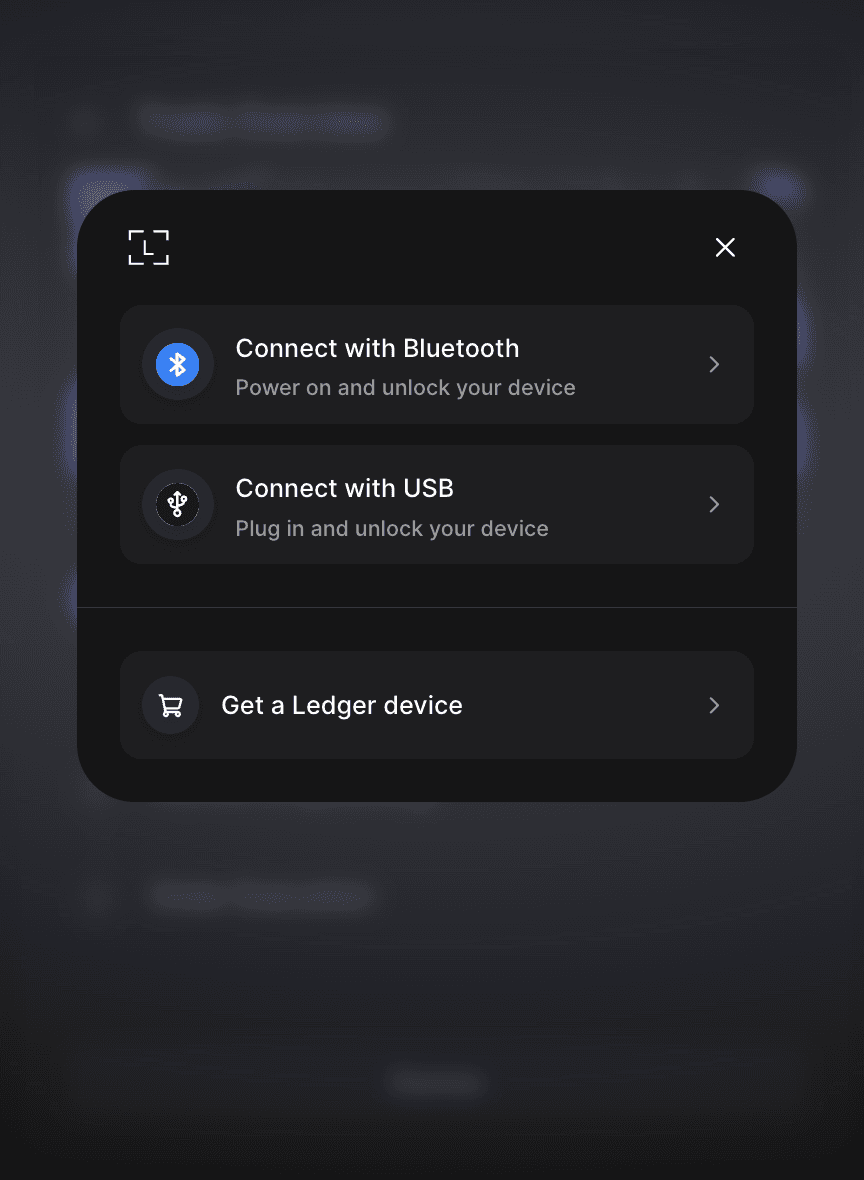
Open app.velora.xyz
Click Connect Wallet
Select Ledger Wallet
Connect via Bluetooth or USB
Choose your Ethereum account
You remain inside Velora while Ledger handles authentication and signing.
2. Create Your Swap
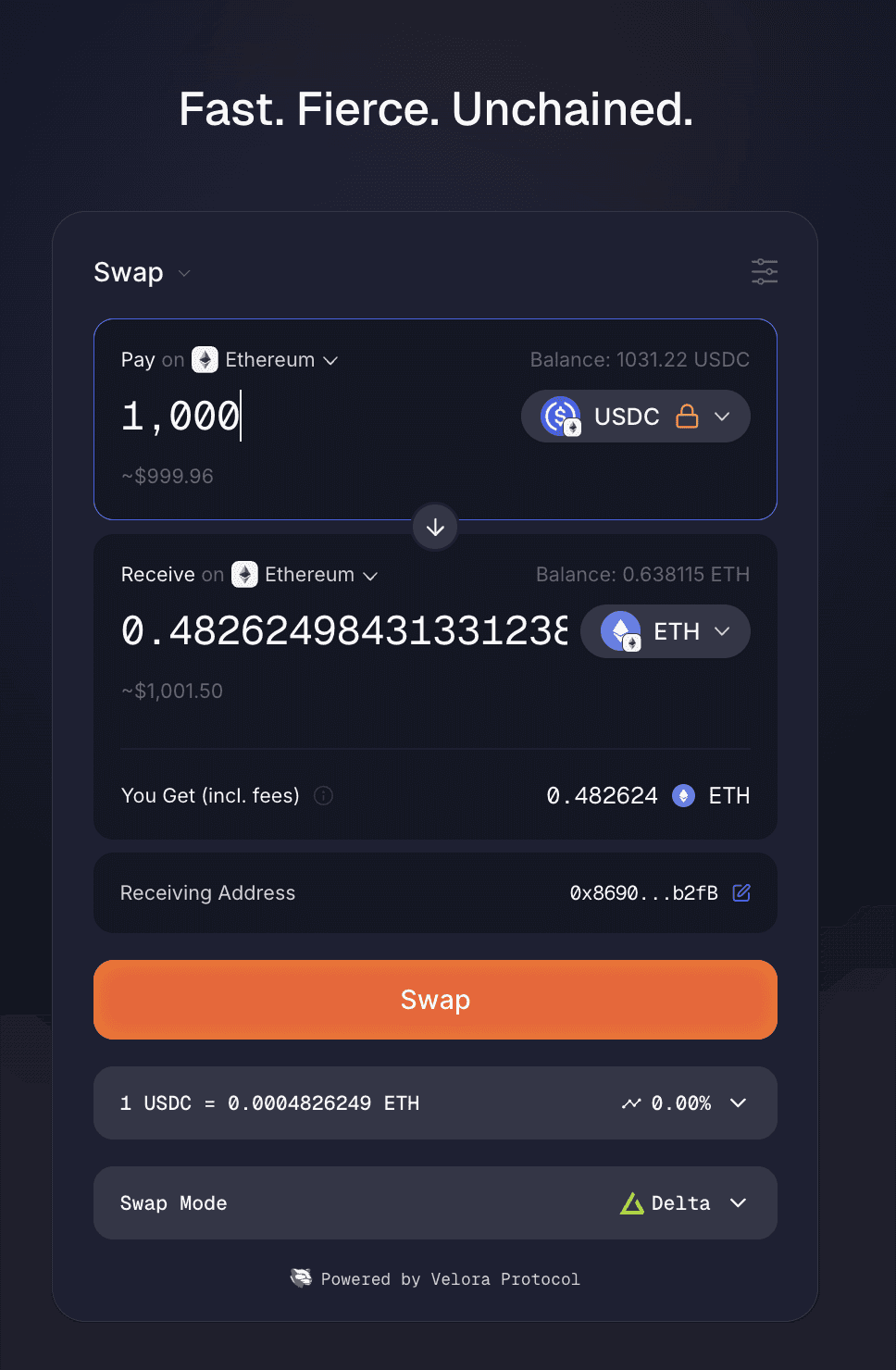
Select your tokens (e.g., USDC → ETH).
Enter the amount.
Review pricing and fees.
When you click Swap, your Ledger device displays the transaction details for verification.
No blind signing.
No hidden calldata.
3. Delta Execution and Onchain Settlement
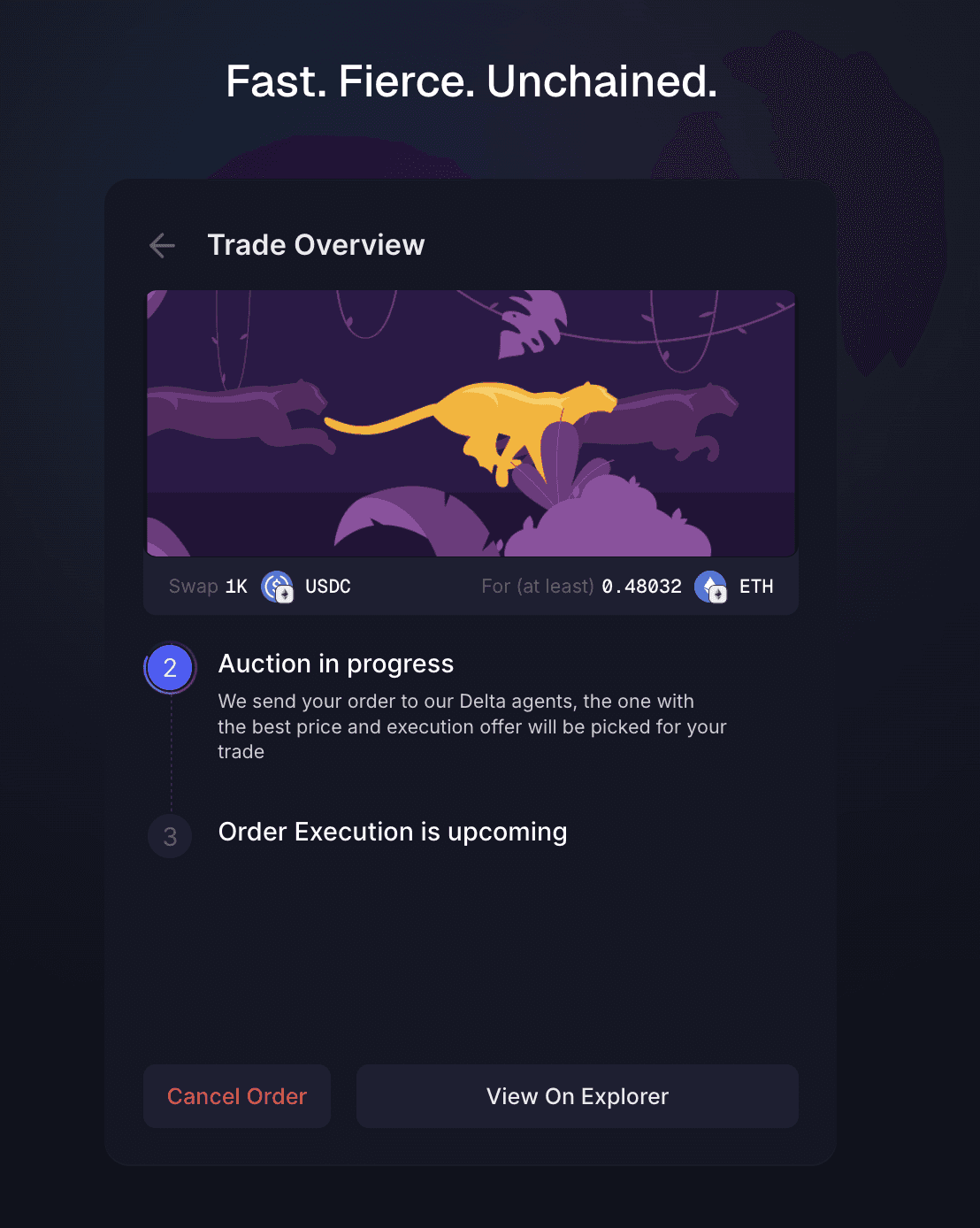
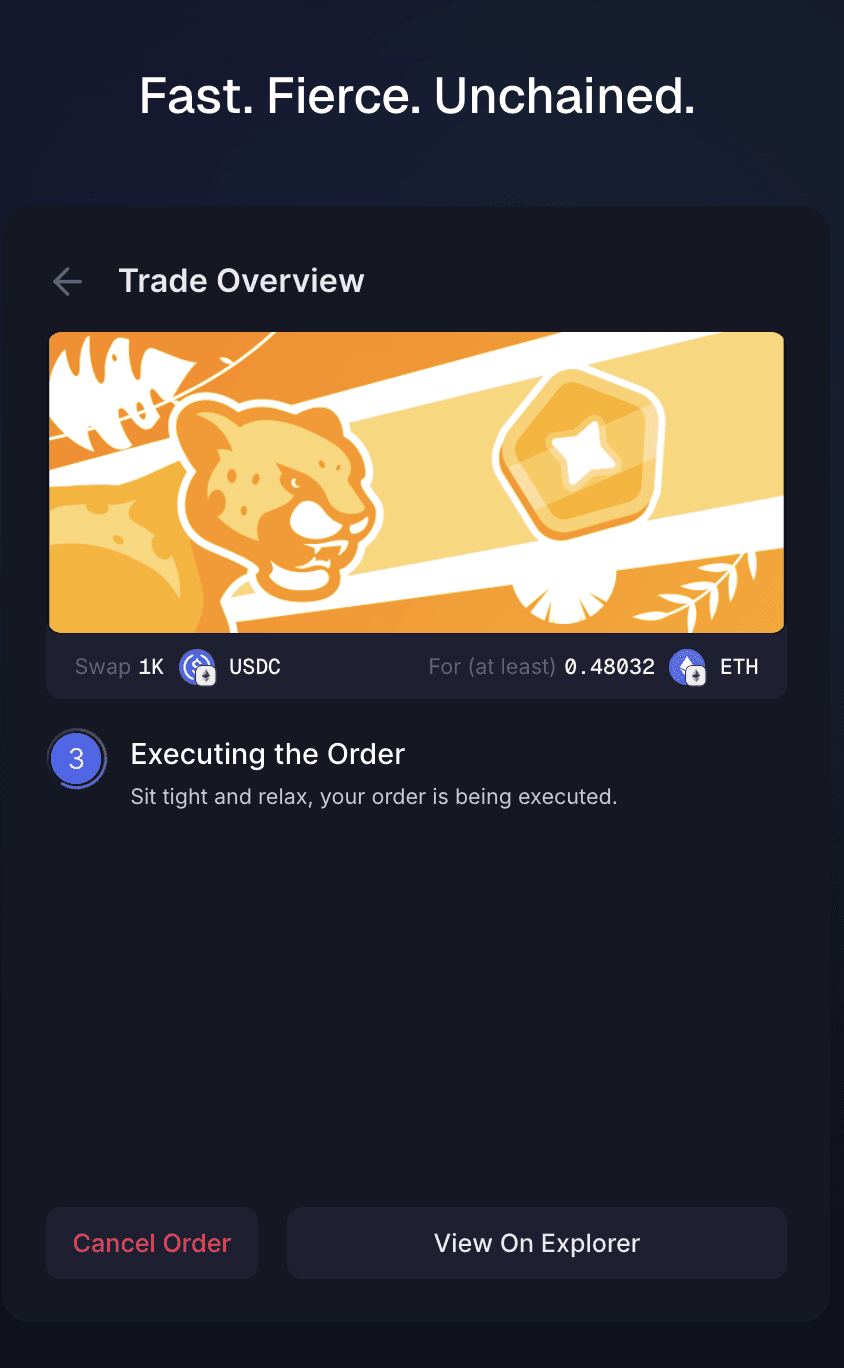
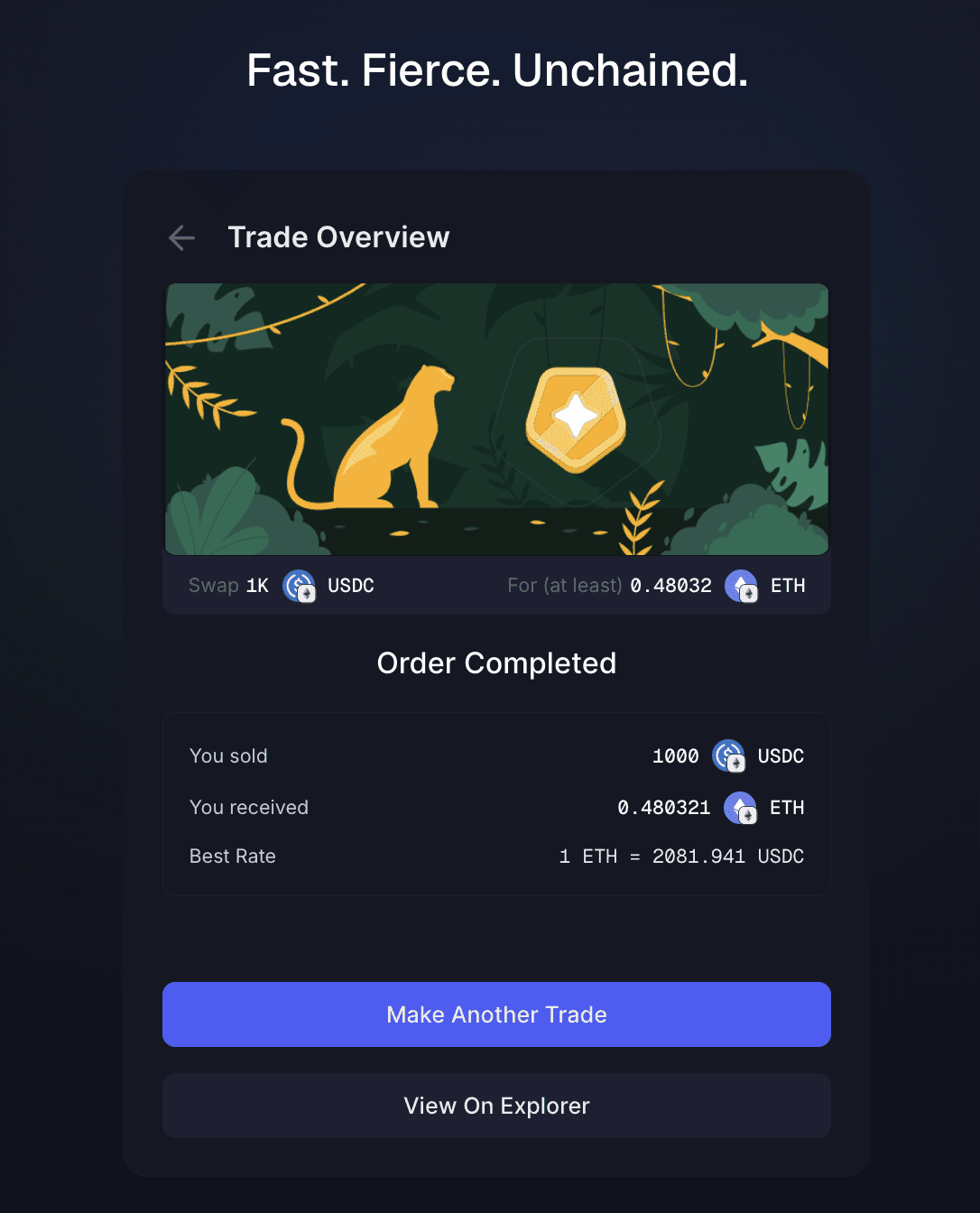
Once completed, you can see:
Tokens sold and received
Final execution rate
Confirmation status
Every swap is verifiable.
Inspect Transactions on Velora Explorer
Velora provides full transparency into every executed order.
Visit explorer.velora.xyz to:
Track Delta Orders
View transaction hashes
Inspect onchain settlement
Review execution history
If you use a hardware wallet for DeFi trading, visibility matters. Velora makes it native.
Frequently Asked Questions
Do I need to install a Velora app to use Ledger?
No. Ledger Wallet connects directly inside app.velora.xyz. All trading happens in the browser.
Does Velora support Ledger Clear Signing?
Yes. Transactions are verified on-device using Ledger’s Clear Signing and Transaction Check before approval.
Can I use my Ledger hardware wallet for crosschain swaps?
Yes. Velora’s Delta execution layer handles routing and settlement, while Ledger secures the transaction signature.
Are my private keys exposed when trading on Velora?
No. Private keys remain inside your Ledger hardware wallet at all times.
Benefits of Using Ledger Hardware Wallet on Velora
Velora is the execution layer for modern DeFi trading.
Ledger is the hardware wallet securing your private keys.
Together, that means:
Secure DeFi swaps
On-device transaction verification
No blind approvals
Fully onchain settlement
Transparent order tracking via Velora Explorer
Connect your Ledger and start swapping securely at app.velora.xyz
Discover more about Velora

